Loading the workshop…
An unofficial showcase
The world of Tasowheel
Scroll to fly through the workshop.
The story
Manufacturing your success.
Gear Designer
Design a pair. See what the workshop would say.
Set module, teeth, helix and load. The pair meshes live in 3D, the numbers update as you move the sliders, and the check compares your design with Tasowheel's published capabilities.
Results
Workshop check
Pre-design only (DIN 3960 / ISO 21771 geometry, no load rating). The quote request opens your mail app with the design filled in; nothing is sent automatically.
Tasowheel Oy
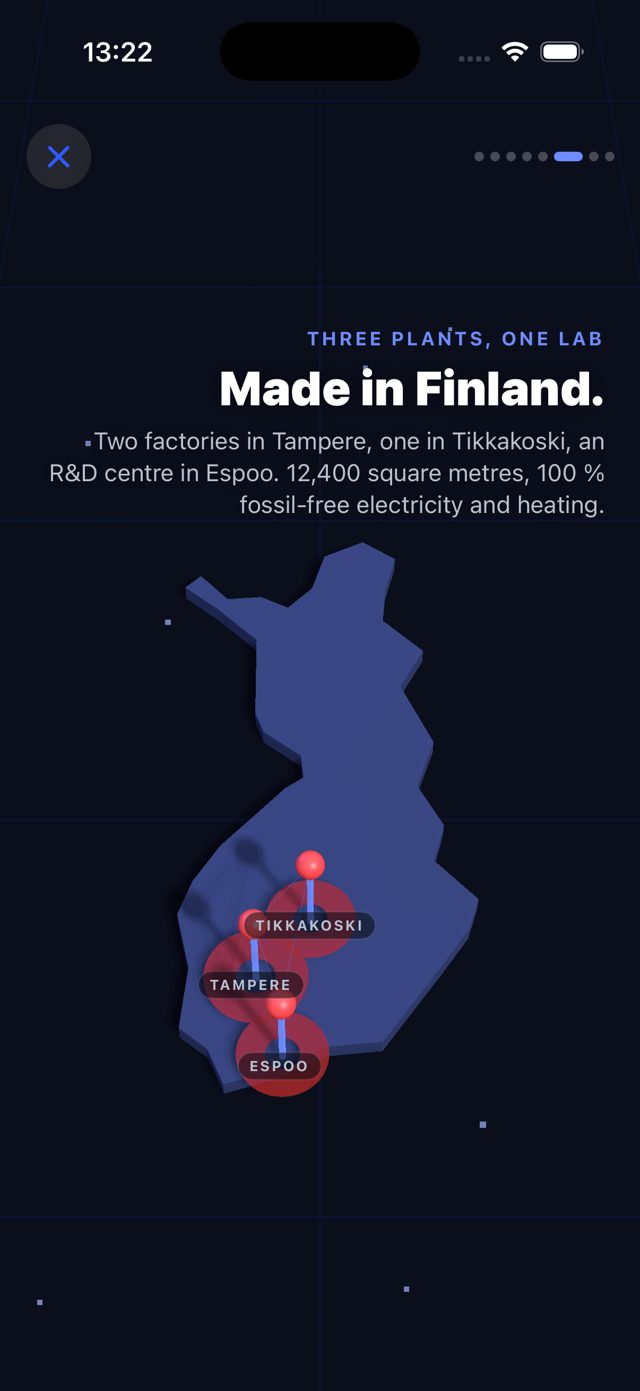
Three plants, one R&D centre, 140 people.
The app
Tasowheel for iPhone.
The same gear designer, plus augmented reality: put your gear pair on the desk at 1:1, check it against the workshop, export STL, USDZ and DXF, and send the quote from your phone. Available to invited testers via TestFlight.
The story, as it plays in the app
Gear Designer with live 3D and workshop check
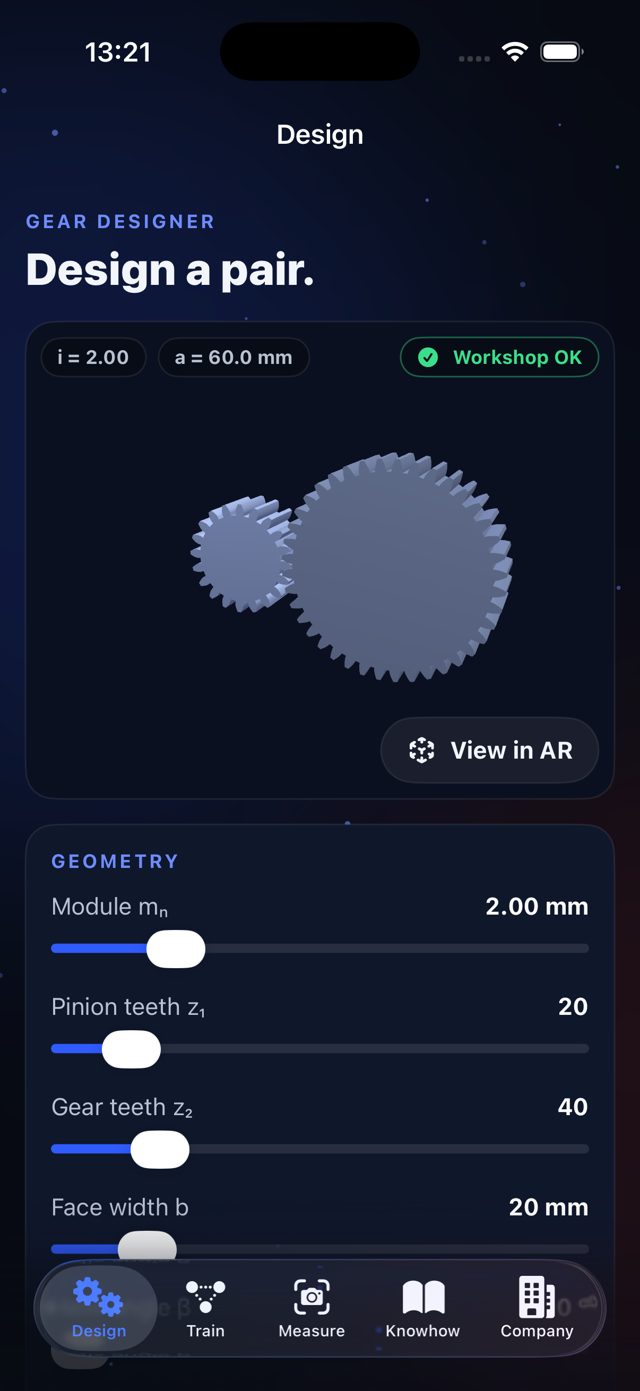
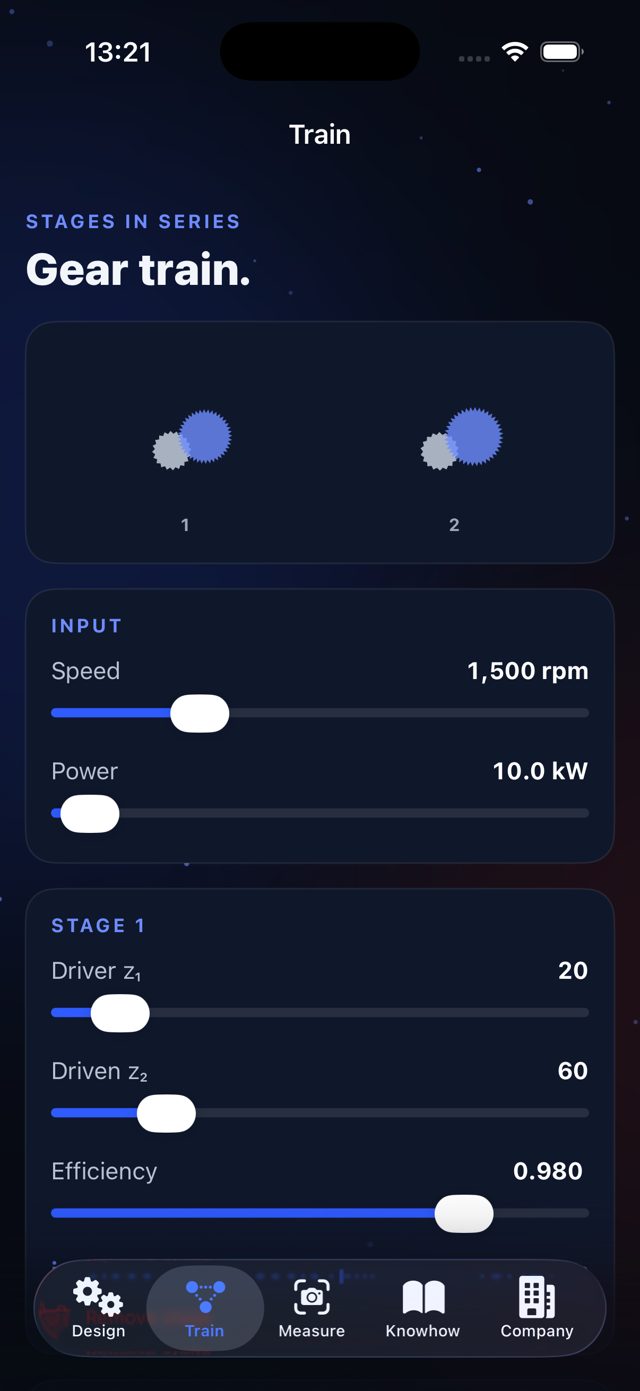
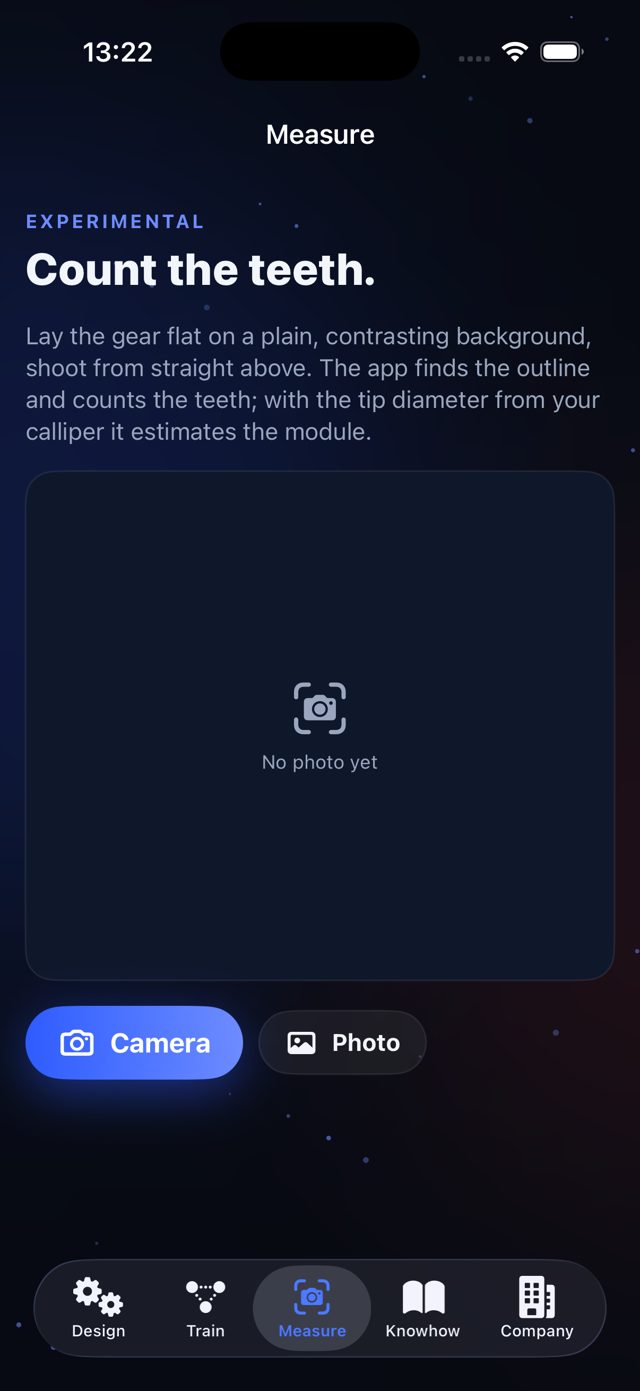
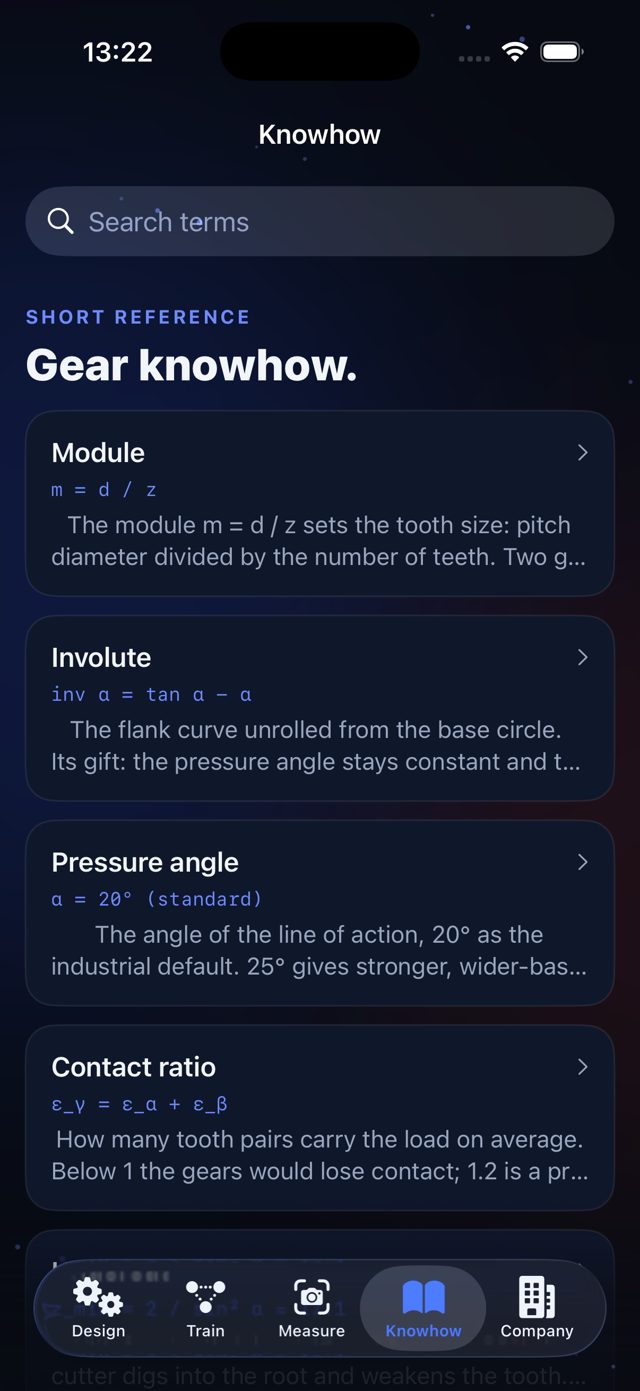
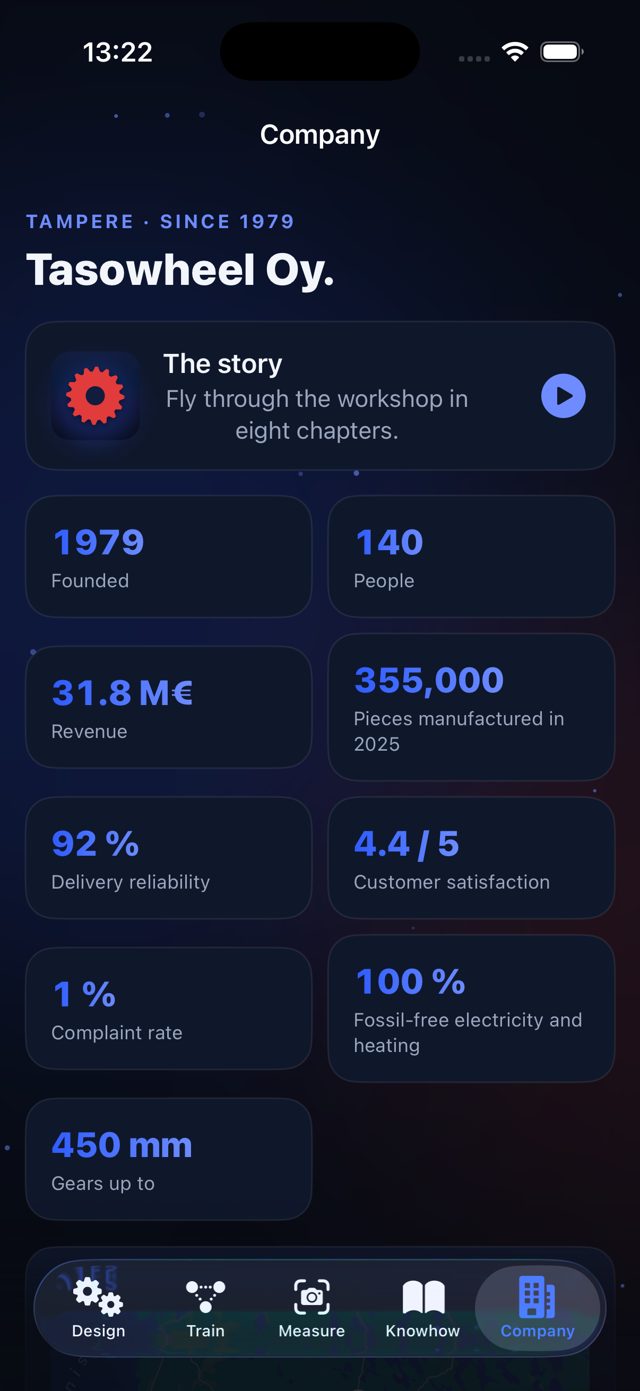
- Gear Designer — module, teeth, helix, profile shift, duty; results and the workshop check as on this page.
- Augmented reality — the pair on your desk at 1 : 1, meshing.
- Request a quote — a PDF with sketch and all figures, shared by Mail or WhatsApp.
- Gear train, STL / USDZ / DXF export, tooth counter from a photo (experimental), knowhow reference, company news live from tasowheel.fi.
- No account, no tracking, works offline. iPhone, iOS 17 or newer, via TestFlight invitation.